
Create Your Perfect Workspace
A complete guide to eye comfort and organization. Learn how proper lighting, ergonomic furniture, and smart storage can transform your remote work environment into a productive, healthy space.
Core Features of an Eye-Comfort Workspace
Master the essential elements that protect your vision and boost productivity during long work sessions.
Optimal Lighting Setup
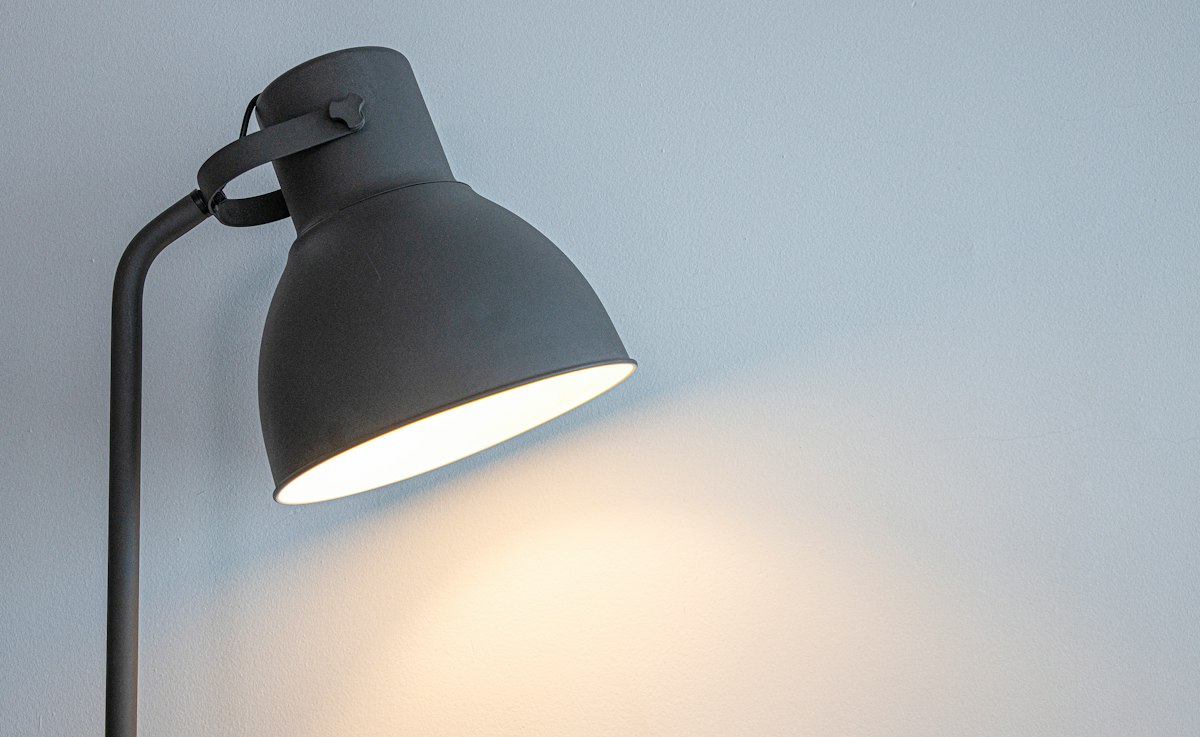
Proper lighting reduces eye strain and prevents headaches. Position your desk perpendicular to windows to avoid glare, use LED task lamps rated 4000–5000K color temperature, and maintain ambient light at 300–500 lux. Avoid harsh direct light and incorporate dimming options for flexibility throughout the day.
- Anti-glare screen filters
- Adjustable LED desk lamps
- Window treatment solutions
Monitor Placement Strategy
Your screen height and distance dramatically affect eye comfort. Position the top of your monitor at or slightly below eye level, 50–70 cm away from your eyes. Use monitor stands or arms to achieve the correct angle. Ensure the screen is perpendicular to windows and away from glare sources to maintain clarity and reduce squinting.
- Adjustable monitor arms
- Stand-mounted risers
- Blue light filters enabled
Ergonomic Furniture Essentials
A supportive chair and desk at correct heights prevent neck strain and promote better posture, which directly impacts eye comfort. Choose a chair with lumbar support and adjustable height. Your desk should position your keyboard and mouse at elbow height with wrists neutral. Proper posture reduces the tendency to lean forward, decreasing eye strain.
- Height-adjustable desk
- Lumbar support chair
- Footrest for posture
Smart Storage Solutions
Organized storage keeps your workspace clutter-free and visually calm, which reduces mental fatigue and helps maintain focus. Use filing cabinets, shelving units, and drawer organizers to store supplies. Keep frequently used items within arm's reach at desk level. A tidy workspace also improves air circulation around your monitor and desk.
- Modular shelving units
- Desk drawer dividers
- Wall-mounted organizers
Air Quality & Climate Control
Good ventilation and humidity control support overall eye health. Dry air can cause irritation; maintain humidity between 30–50%. Open windows regularly for fresh air circulation, and consider a small humidifier during dry seasons. Proper airflow also helps dissipate heat from equipment and prevents stuffiness that leads to fatigue.
- Desk humidifier
- Window ventilation routine
- Temperature regulation
Break & Movement Protocol
Regular breaks are crucial for eye relaxation and preventing fatigue. Follow the 20–20–20 rule: every 20 minutes, look at something 20 feet away for 20 seconds. Set hourly reminders to stand, stretch, and walk around. Incorporate these habits into your workspace routine to support both eye comfort and overall well-being during extended work periods.
- 20-20-20 timer app
- Stretch routine guide
- Movement schedule tracking
Lighting Essentials for Reduced Eye Strain
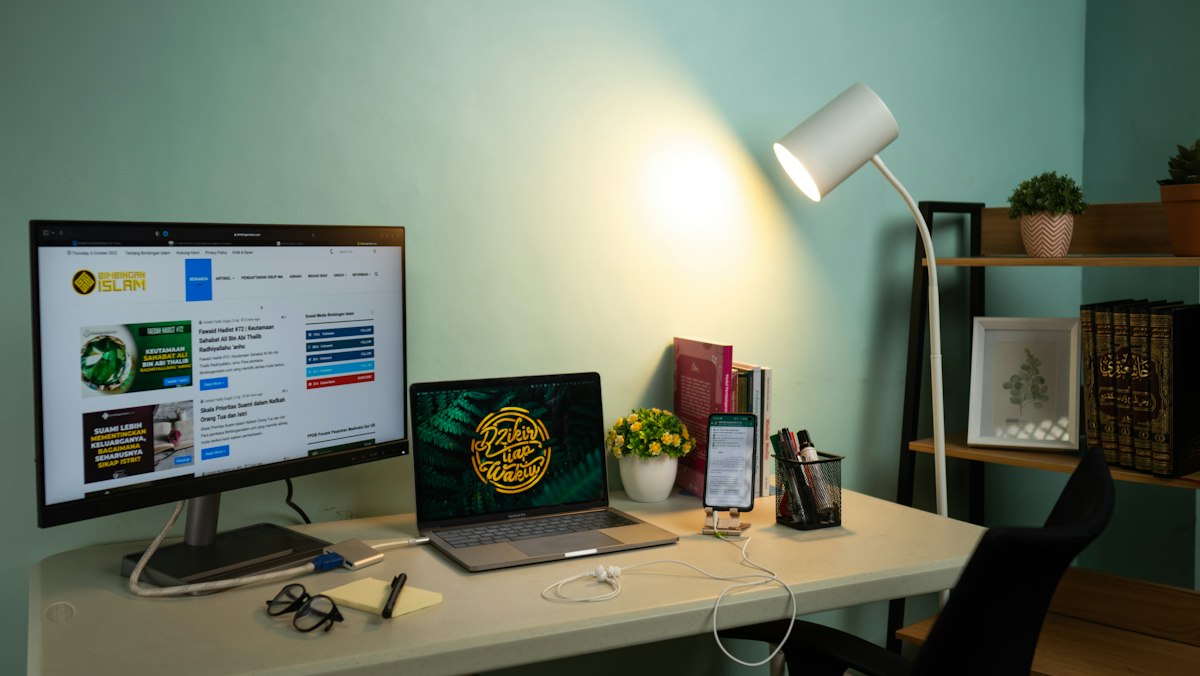
Lighting is the cornerstone of eye-comfortable workspace design. Poor lighting forces your eyes to work harder, leading to strain, fatigue, and discomfort. The right setup balances natural and artificial light while eliminating glare.
Choose cool-white LEDs (4000–5000K) that mimic daylight and reduce blue light fatigue. Position task lamps to illuminate your work surface without creating shadows or reflections on your screen. Install indirect ambient lighting to reduce contrast between your monitor and surroundings.
Quick Lighting Checklist:
- Natural light: Position desk near a window but avoid direct glare on screen
- Task lighting: Use 1–2 adjustable LED lamps at 300–500 lux intensity
- Ambient lighting: Soft background light reduces harsh shadows
- Dimmers: Adjust brightness based on time of day and work intensity
Core Organization Principles
A well-organized workspace reduces visual clutter, improves focus, and creates a calm environment that supports sustained eye comfort throughout the day.
Zone Your Workspace
Divide your desk into zones: computer work area (center, eye-level), reference materials (slightly offset), and supplies (periphery). This zones approach reduces eye movement and keeps your visual field organized, minimizing fatigue from constantly searching for tools.
Minimize Visual Clutter
Visual clutter creates mental fatigue, which compounds eye strain. Use filing cabinets or closed shelving for supplies. Keep your desk surface clean with only daily essentials visible. A calm, minimal visual environment helps your eyes relax and your brain focus more easily.
Vertical Storage Systems
Use wall-mounted shelves, pegboards, and vertical organizers to maximize storage without eating into desk space. Vertical storage keeps frequently used items visible but organized, reducing the need for deep searching and maintaining desk ergonomics.
Daily Organization Routine
End each workday by tidying your desk: file documents, return supplies to drawers, and clear surfaces. A 5-minute daily reset keeps your workspace calm and organized. Starting each day in a clean space reduces visual stress and improves your ability to concentrate for hours.
Logical File Systems
Create clear labeling systems for both physical and digital files. Color-coded folders, labeled bins, and consistent naming conventions make items easy to find without prolonged searching, which strains your eyes and breaks concentration.
Accessibility & Reach
Store items you use daily within your natural reach zone (arm's length). Frequently accessed supplies should sit between your hands and shoulders. This reduces repetitive stretching and repositioning, which can strain neck and eye comfort over long work sessions.
Common Workspace Setup Questions
Find answers to the most common questions about creating an eye-comfortable, organized remote workspace.
Position your monitor 50–70 cm (approximately 20–28 inches) from your eyes. The top of the screen should be at or just below eye level when you're sitting in a relaxed, upright posture. This distance and angle reduce accommodation strain and allow your eyes to rest naturally. Use a monitor stand or arm to achieve the correct height easily.
Inspiring Workspace Transformations
Real examples of how thoughtful lighting, ergonomic furniture, and smart organization create comfortable, productive workspaces.

Minimalist Setup with Task Lighting
A clean desk with focused LED task lamps, anti-glare screen protector, and organized vertical storage reduces visual clutter and eye strain.

Ergonomic Desk Setup
A height-adjustable desk with monitor arm, ergonomic chair, and proper keyboard placement supports sustained comfort during long work sessions.

Natural Light Integration
A workspace positioned near a window with smart light filtering, anti-glare measures, and organized shelving balances natural and task lighting.
Multi-Monitor Professional Setup
Properly positioned dual monitors with cable management, adequate spacing, and organized desk accessories support efficiency without eye fatigue.

Compact Space Optimization
Even small spaces can be comfortable and productive with vertical storage, wall-mounted organizers, and a single-monitor setup optimized for eye comfort.

Wellness-Integrated Workspace
A workspace designed for overall well-being combines proper ergonomics, good lighting, plants for air quality, and clear space for movement and stretching breaks.
Our Process
From assessment to implementation, we guide you through every step of creating your ideal eye-comfortable workspace.
Assessment
We evaluate your current workspace, lighting conditions, screen usage, and ergonomic setup.
Recommendations
Receive personalized suggestions for lighting, furniture, technology, and daily habits.
Implementation
Our team helps you source, install, and optimize your new workspace solutions.
Support
Ongoing guidance, adjustments, and training to ensure long-term eye comfort and productivity.
What Our Clients Say
Hear from professionals and teams who've transformed their workspaces with Eyecomfortworkspace.
"After implementing Eyecomfortworkspace recommendations, my eye strain disappeared completely. I'm more productive and feel better at the end of the day."
Sarah Mitchell
Software Developer, Tech Corp
"The team transformed our entire office. Our employees report less fatigue, better focus, and overall improved job satisfaction. Best investment we've made."
James Rodriguez
CEO, Creative Agency
"I work from home and the guidance I received was invaluable. Simple changes made a huge difference in my comfort and concentration throughout the day."
Emma Thompson
Freelance Writer & Editor
Ready to Transform Your Workspace?
Start your journey to better eye comfort and productivity. Schedule a free consultation with our workspace experts today.
Frequently Asked Questions
Find answers to common questions about eye-comfortable workspaces.